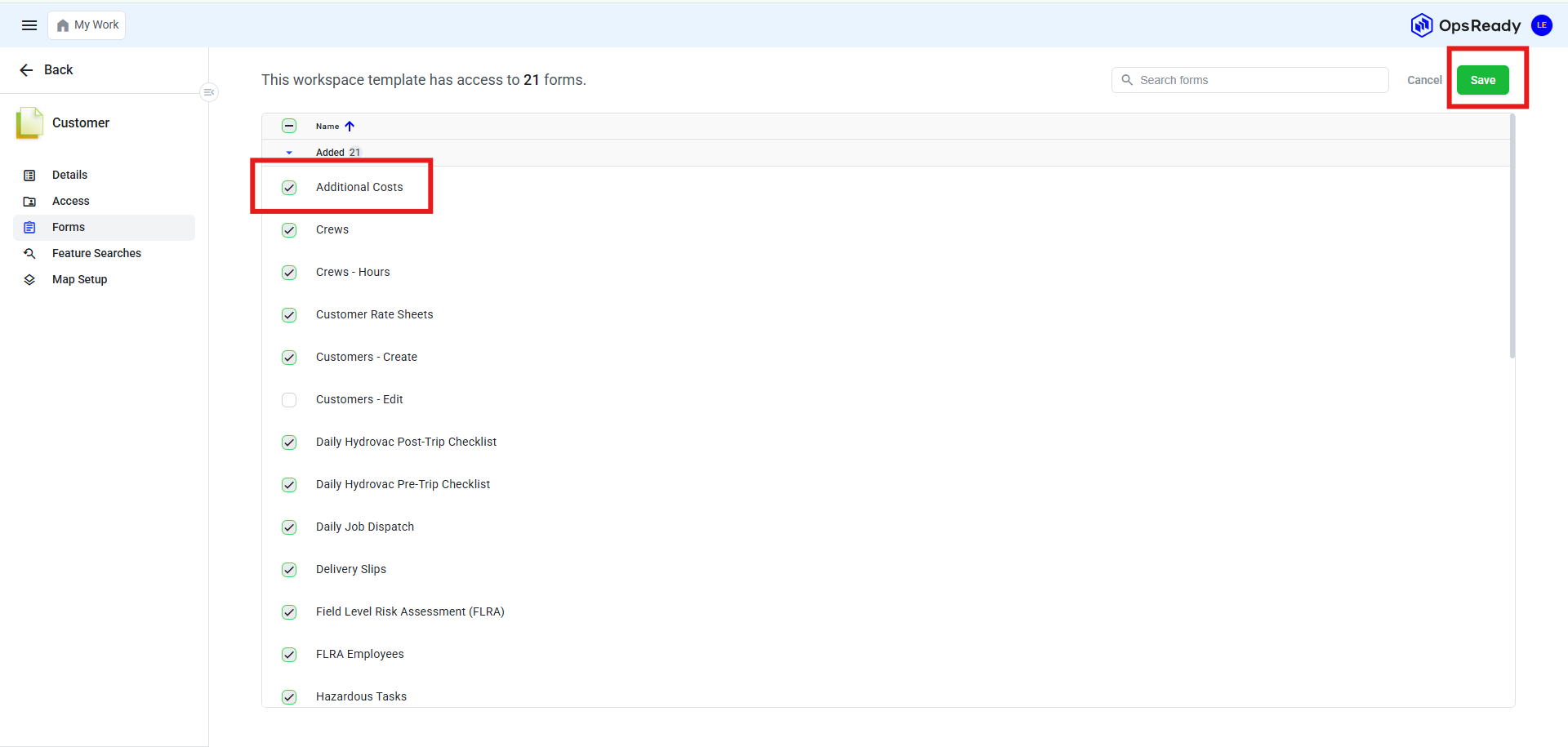
*Note: Only users with an Admin role can add or modify resources within a workspace.
How to add resources to a single workspace
1. To add resources to a single workspace navigate to the needed workspace and choose the resource you want to add by clicking on the checkmark. Click Save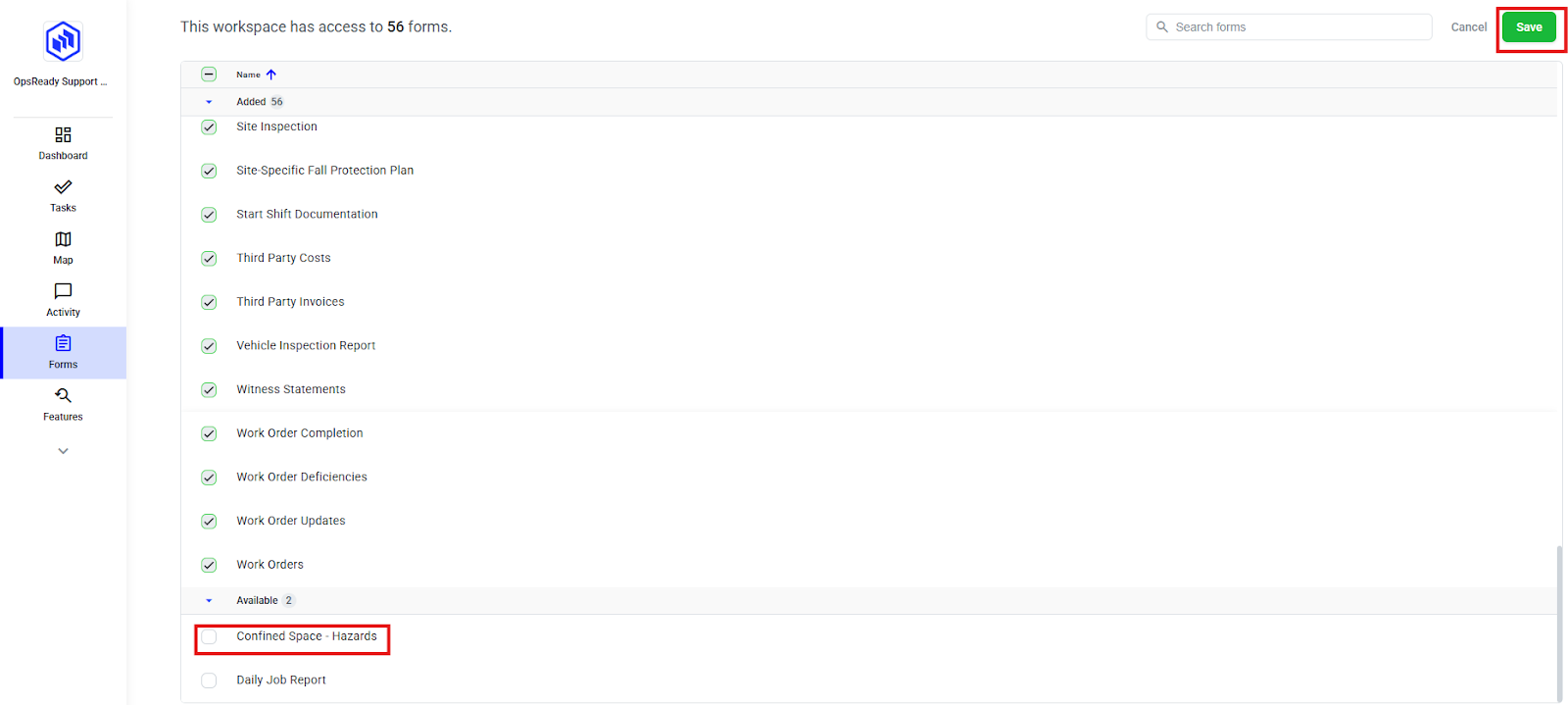
2. To remove a resource from a single workspace navigate to the needed workspace and choose the resource you want by unchecking it. Click Save
How to add/remove resource to a workspace template
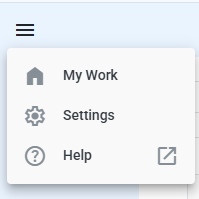
1. To add a resource to a workspace template navigate to your Workspace Templates list. Click on Settings in the top left corner of the navigation menu
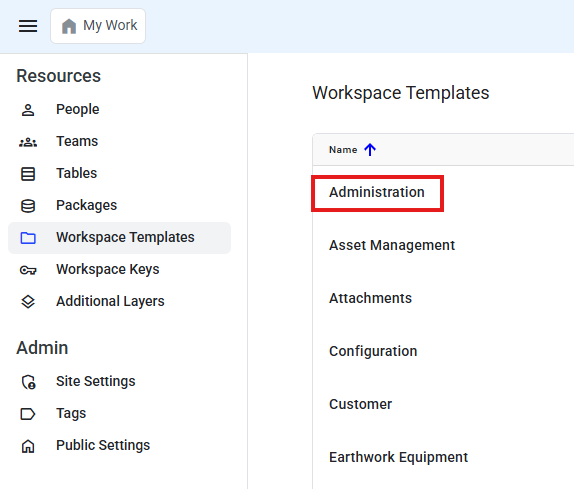
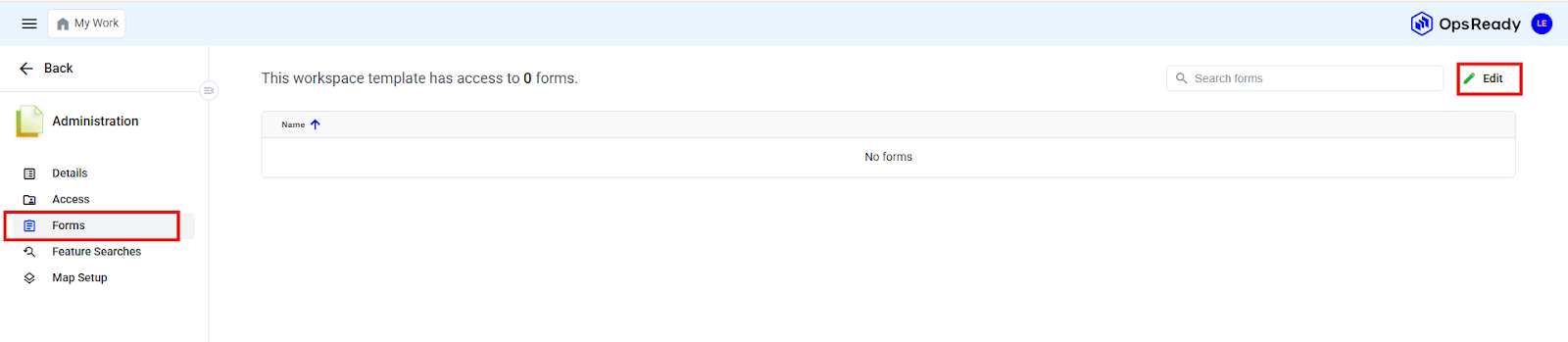
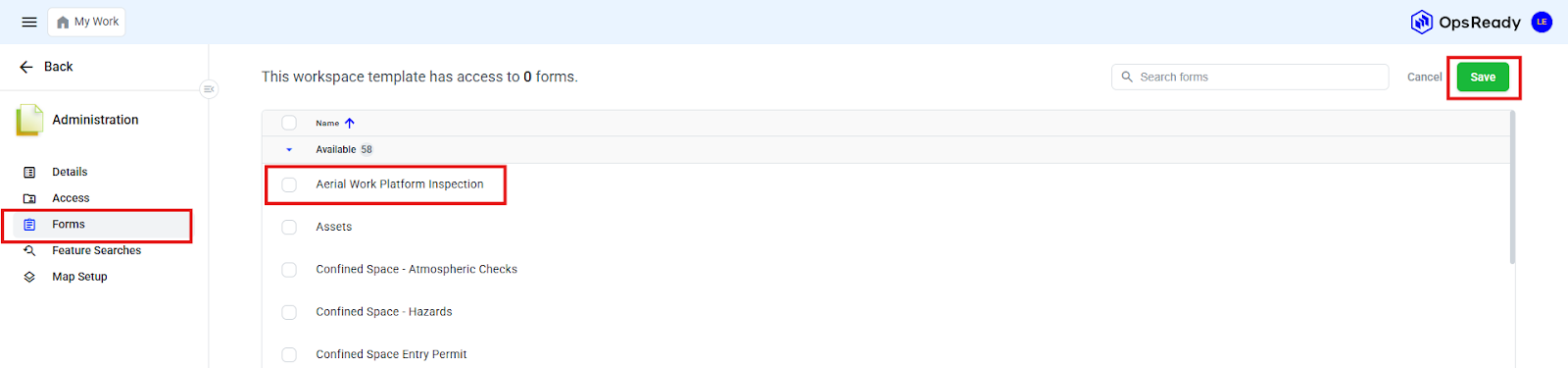
5. To remove a resource from a Workspace Template
6. To remove a resource from a Workspace Template choose a resource and click Edit
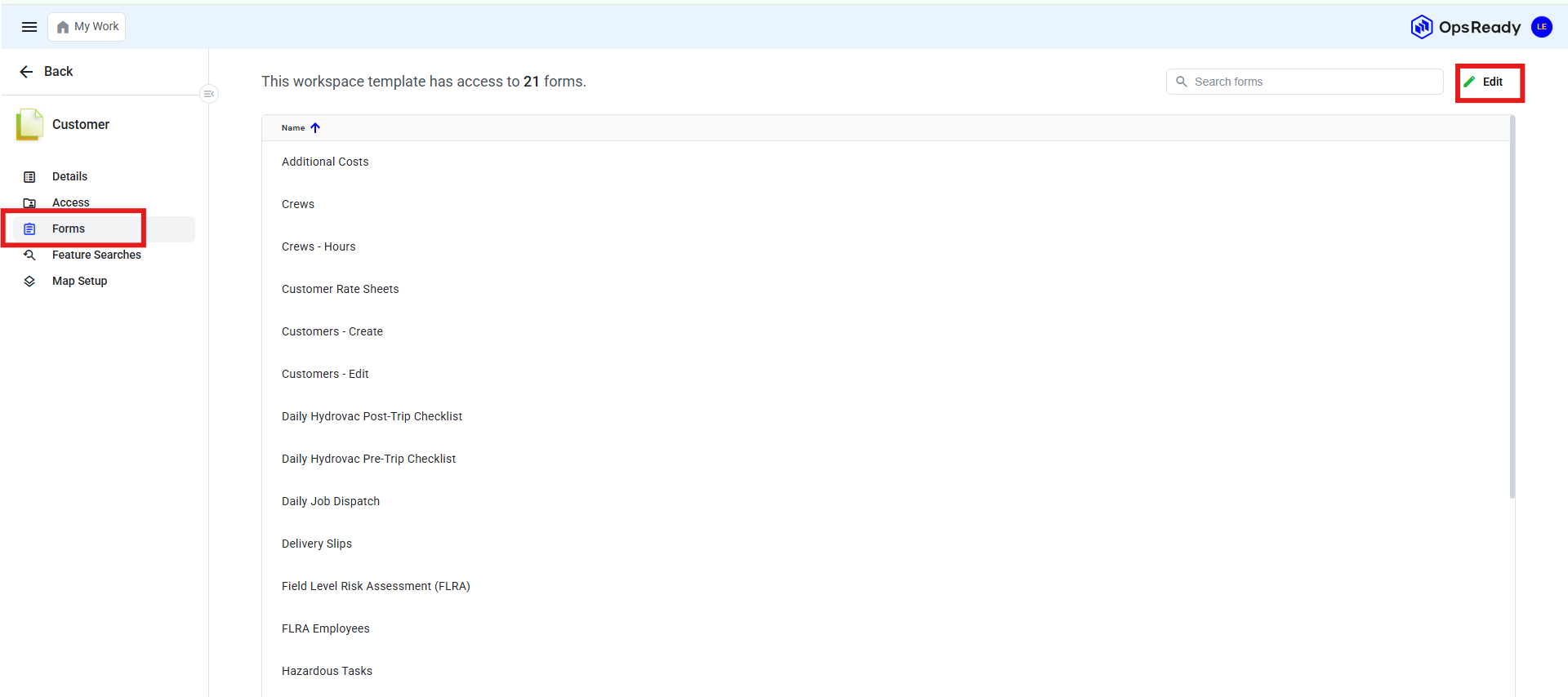
7. Uncheck the box and click Save