
Note: Only Admin and Account Manager roles can add users to a team. Admins have full access across the platform, while Account Managers can manage users and assign them to teams.
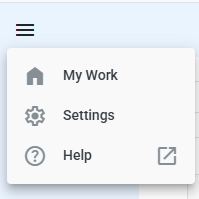
1. Navigate to your People list by clicking on Settings at the top left corner of the Navigation Menu
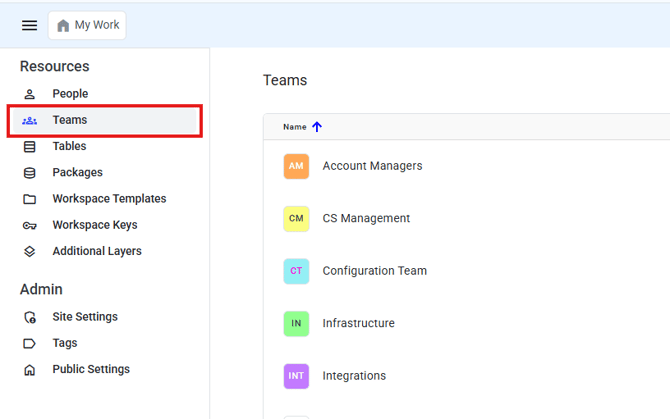
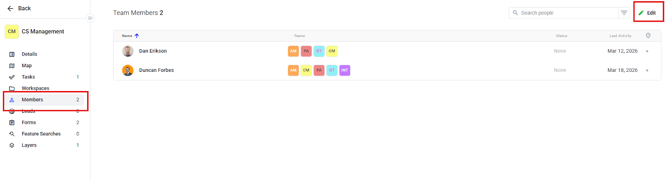
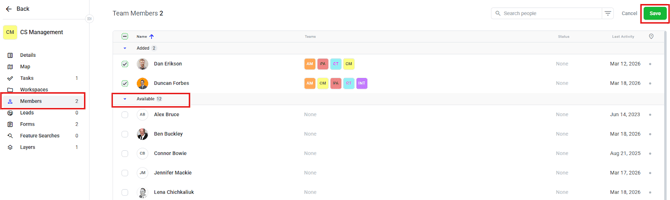
3. Click on Members and Edit
How to remove users from teams
The same way a user was added to a team he can be removed. Click on the checkmark next to the user and click Save

Who can adjust team membership
Team membership can be adjusted by users who have an assigned role of Admin.
What team membership does
Team membership dictates which workspaces and tasks a user has access to.