
Creating and managing your Teams is an essential step in ensuring your site is set up for success. Follow the steps below to create a new Team!
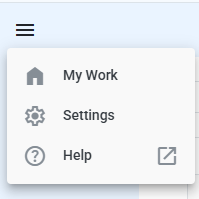
1. Navigate to your Teams list by clicking on Settings at the top left corner of the Navigation Menu
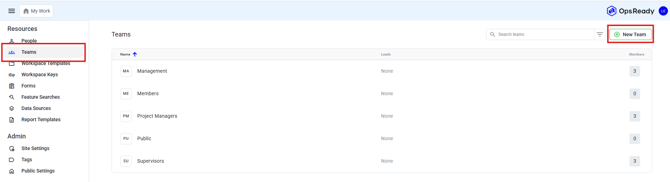
2. Click on Teams and then New Team
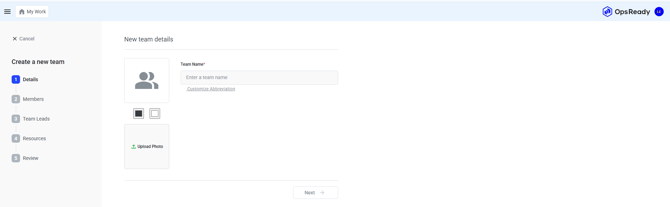
3. Fill in your team's Details
- Give your team a name and a team photo (optional)
- Select team members
- Select team leads
- Select the resources that the team should have access to
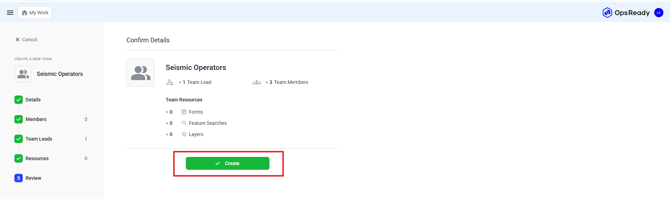
4. Click Create on the Review page
5. To edit and manage existing teams:
- Select team from Teams list
- Click Edit
For more information on Teams, check out Overview: Teams!