From a Task or Feature Info Section
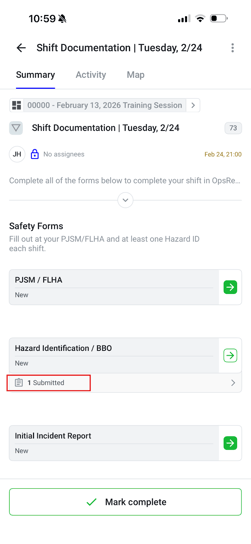
1. Open the task and tap on the form record to view the completed form
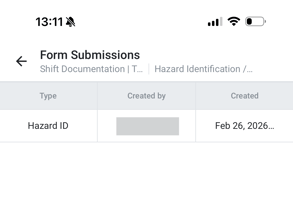
2. Tap on the Form Submission you’d like to generate as a PDF
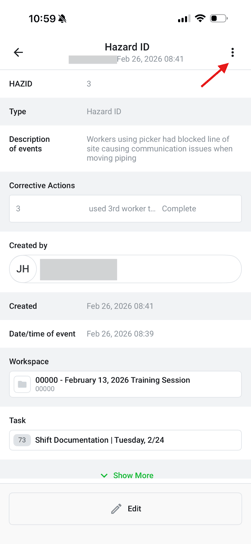
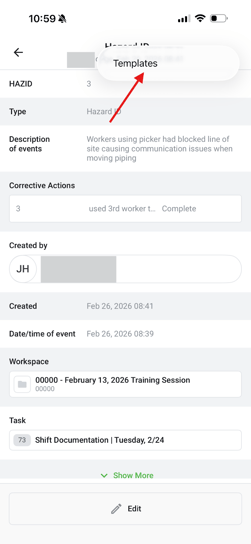
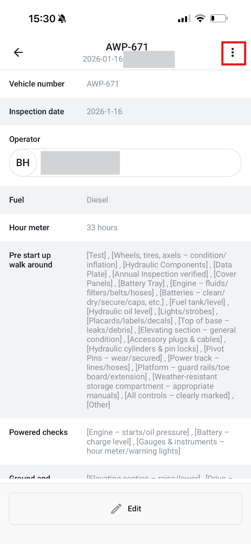
3. Tap on three dots at the top right corner
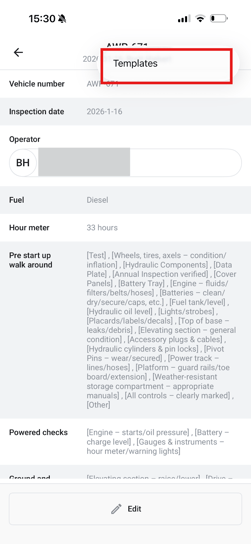
4. Tap on Templates
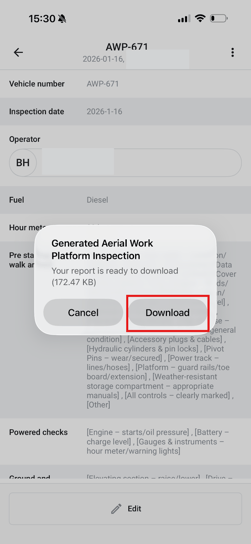
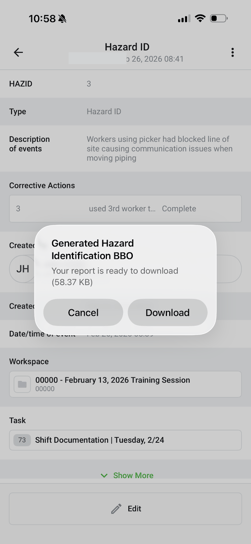
5. Tap Download
From any workspace
1. Navigate to Workspaces and tap on one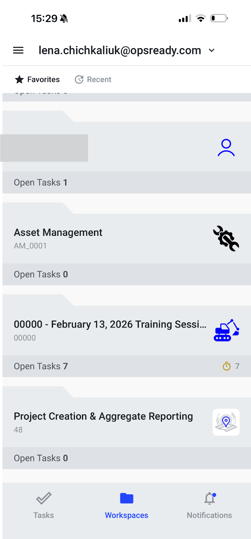
2. Tap on Forms and tap on the form PDF of which you wish to generate
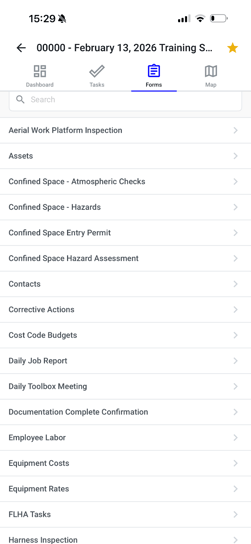
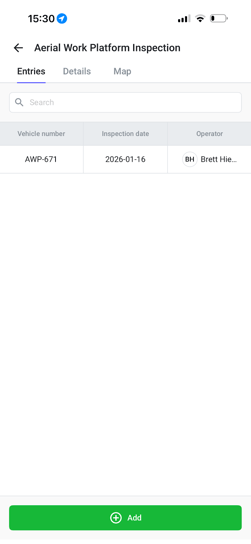
3. Tap on the specific entry you’d like to generate as a PDF
4. Tap on three dots at the top right corner
5. Tap on Templates
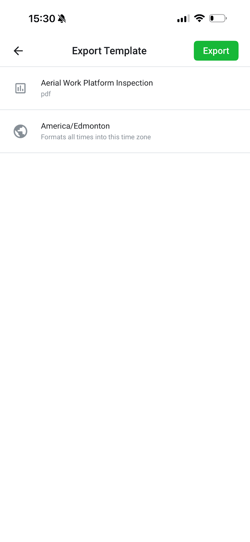
6. Tap Export
7. Tap Download