
What does locking/hiding a user mean?
- Locking a user prevents them from logging in to OpsReady, and ends a session in progress
- Hiding a user prevents them from appearing as an option in any account picklists
To lock/hide a user
1. Click on the person you want to lock/hide from the People list

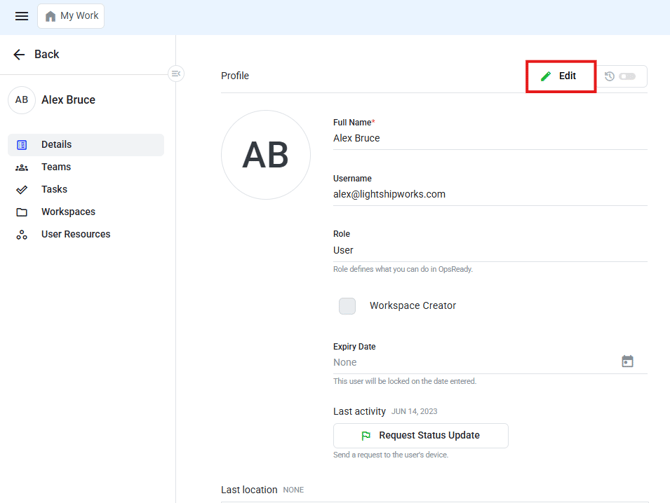
2. Click Edit
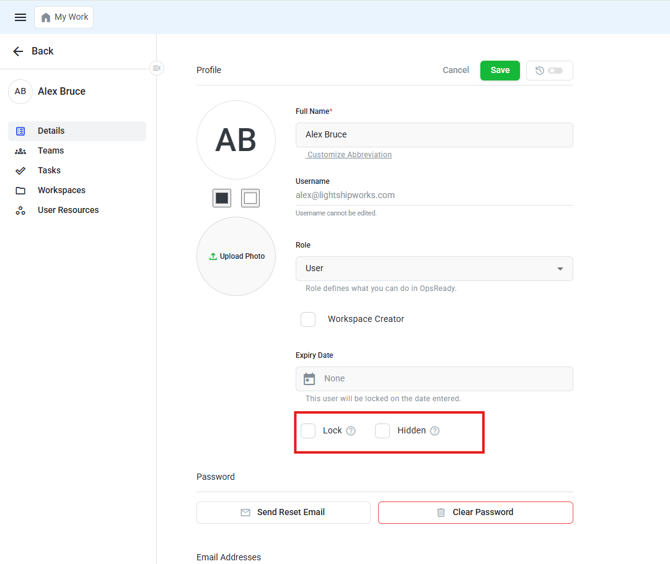
4. Click Save