
Follow these steps to reset your password:
- Navigate to your organization's OpsReady site by entering the URL in your browser (e.g. client.opsready.com)
- Click Reset Password
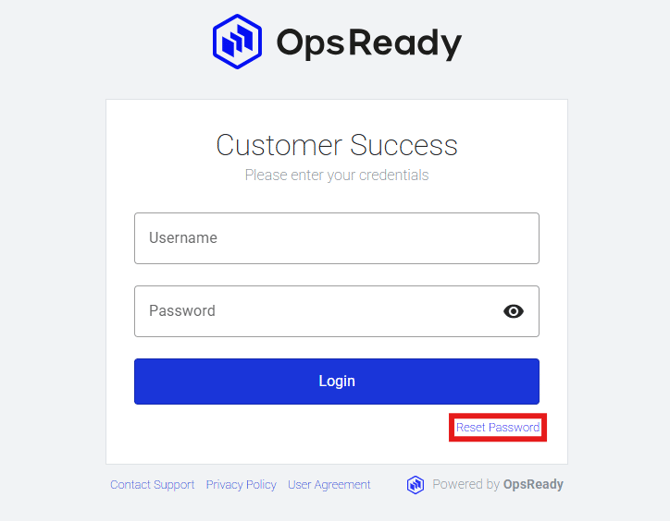
- Enter your email address and click Send Reset Email
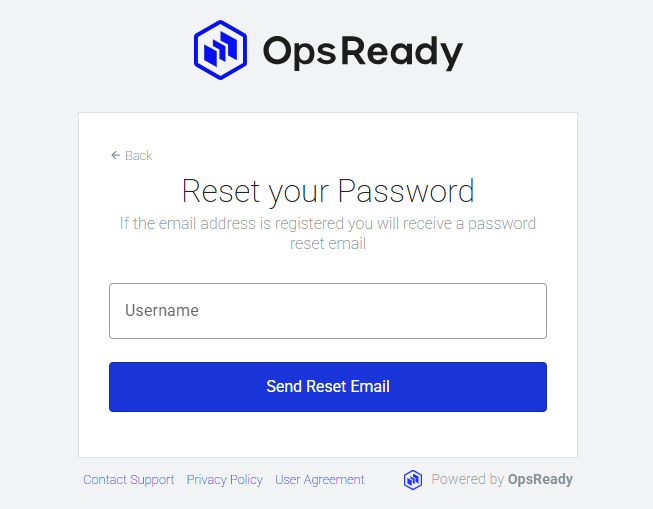
- Go to your email, open the email from notify@opsready.com, and click the link to reset your password. If you don’t see it, double check your junk/spam folder.
- Enter your New Password, and Confirm Password
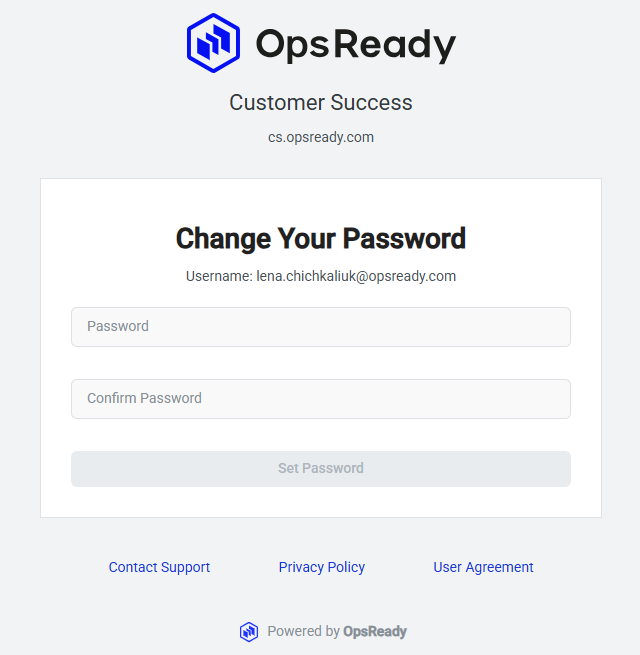
- Click Set Password
Your password has been reset!
*Note: OpsReady doesn’t force password changes.
What to do if you don't get the email/don't know your username
If you don’t get the email or don’t know your username contact your site administrator or reach out to support - support@opsready.com