
- Open the OpsReady App on your mobile device (Where do I get the OpsReady App?)
- Enter your OpsReady Organization URL (i.e. organization.opsready.com) and tap Next
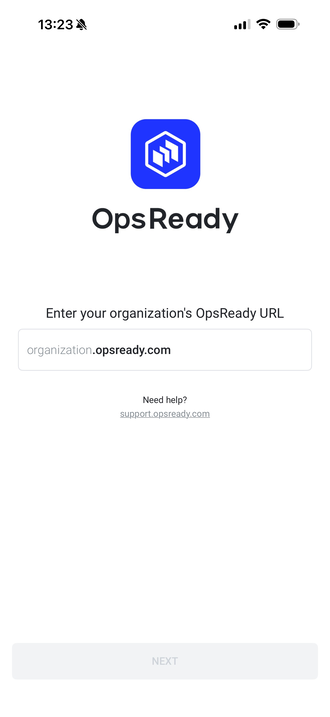
3. Tap Reset Password
4. Enter your email address and tap Send Reset Email
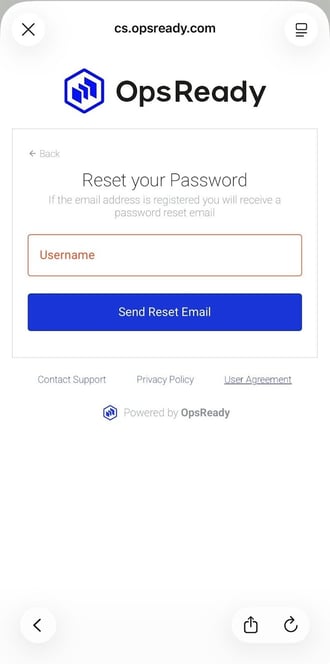
5. Go to your email, open the email from notify@opsready.com, and tap the link to reset your password from. If you don’t see it, double check your junk/spam folder.
6. Enter your New Password, and Confirm Password
7. Click Save
Your password has been reset!
*Note: OpsReady doesn’t force password changes.
What to do if you don't get the email/don't know your username
If you don’t get the email or don’t know your username contact your site administrator or reach out to support - support@opsready.com