
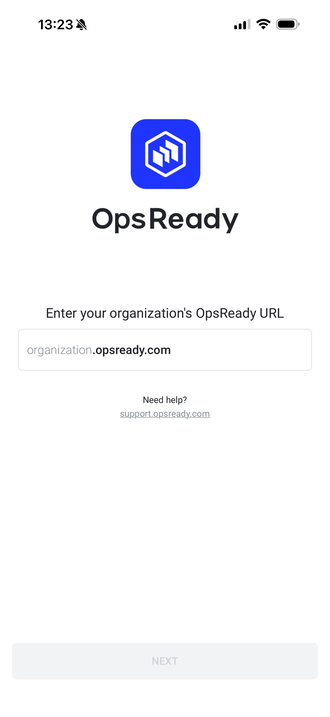
1. Open the OpsReady App on your mobile device
2. Enter your OpsReady Organization URL site name (i.e. organization.opsready.com) and click Next
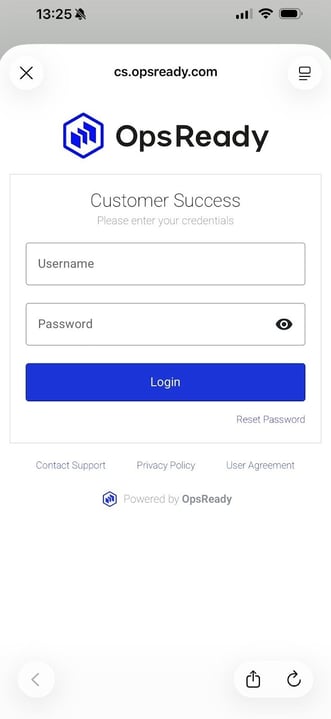
3. Enter your Username
4. Enter your Password
5. Click Login
*Note: Your organization may be using single sign-on (SSO). If so, you will see a separate SSO button on the following screen. You can use that option to use your standard credentials.
.png?width=330&height=299&name=image%20(5).png)